Use WorkWalaa on your laptop or desktop. No install required. Open it in any browser and log in.
Steps
1
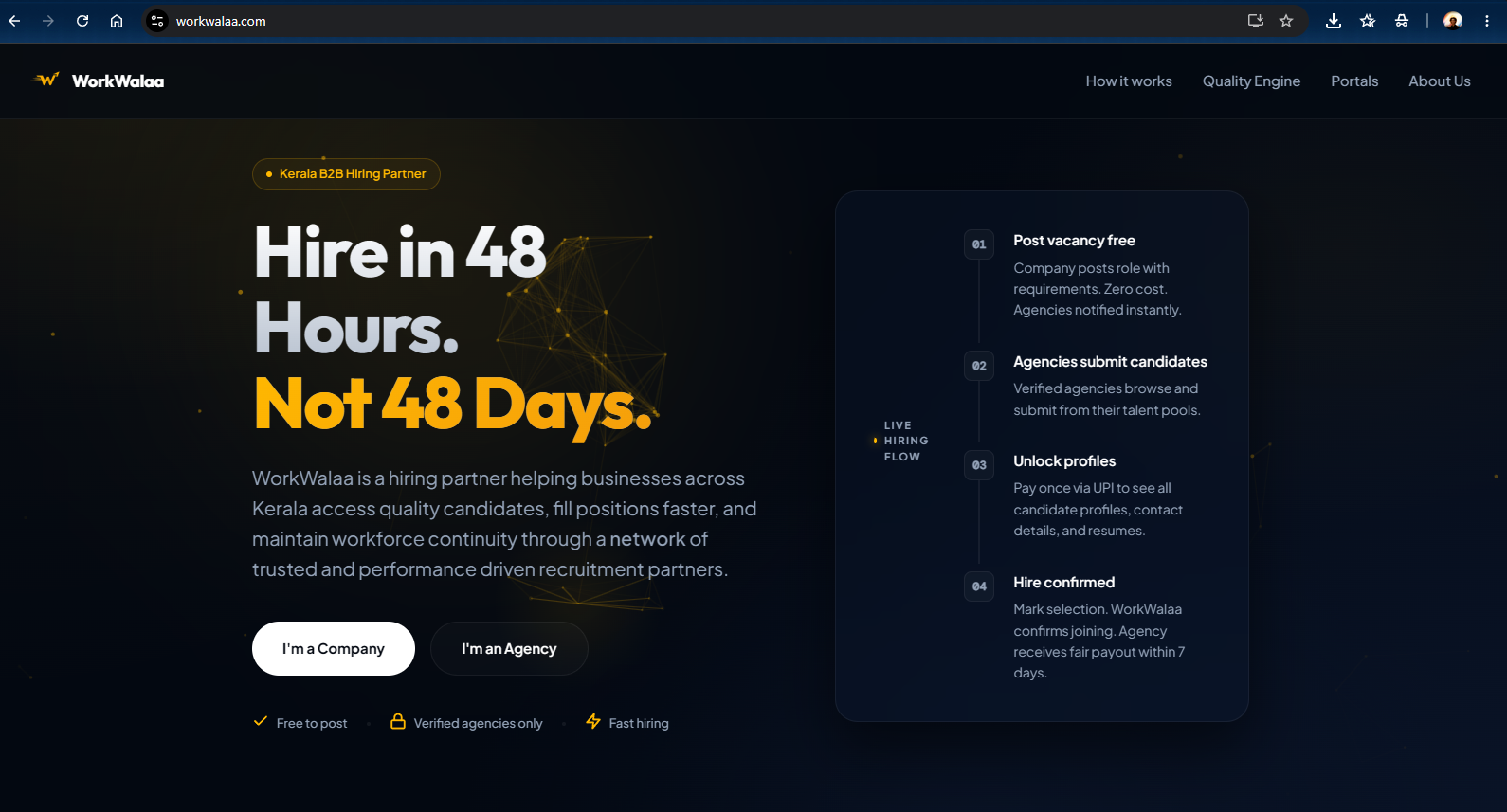
Go to workwalaa.com in your browser
Open workwalaa.com on any laptop or desktop browser.WorkWalaa homepage on desktop
2
Choose your portal
Click I'm a Company or I'm a Hiring Partner.
Pick the right one. The wrong selection takes you to a different portal.
3
Sign in with Gmail and verify
Select Create account, enter your Gmail, verify with the OTP, fill in your details, and confirm.
4
You are in
That's it. Your dashboard is ready.
Install as a desktop app (optional)
1
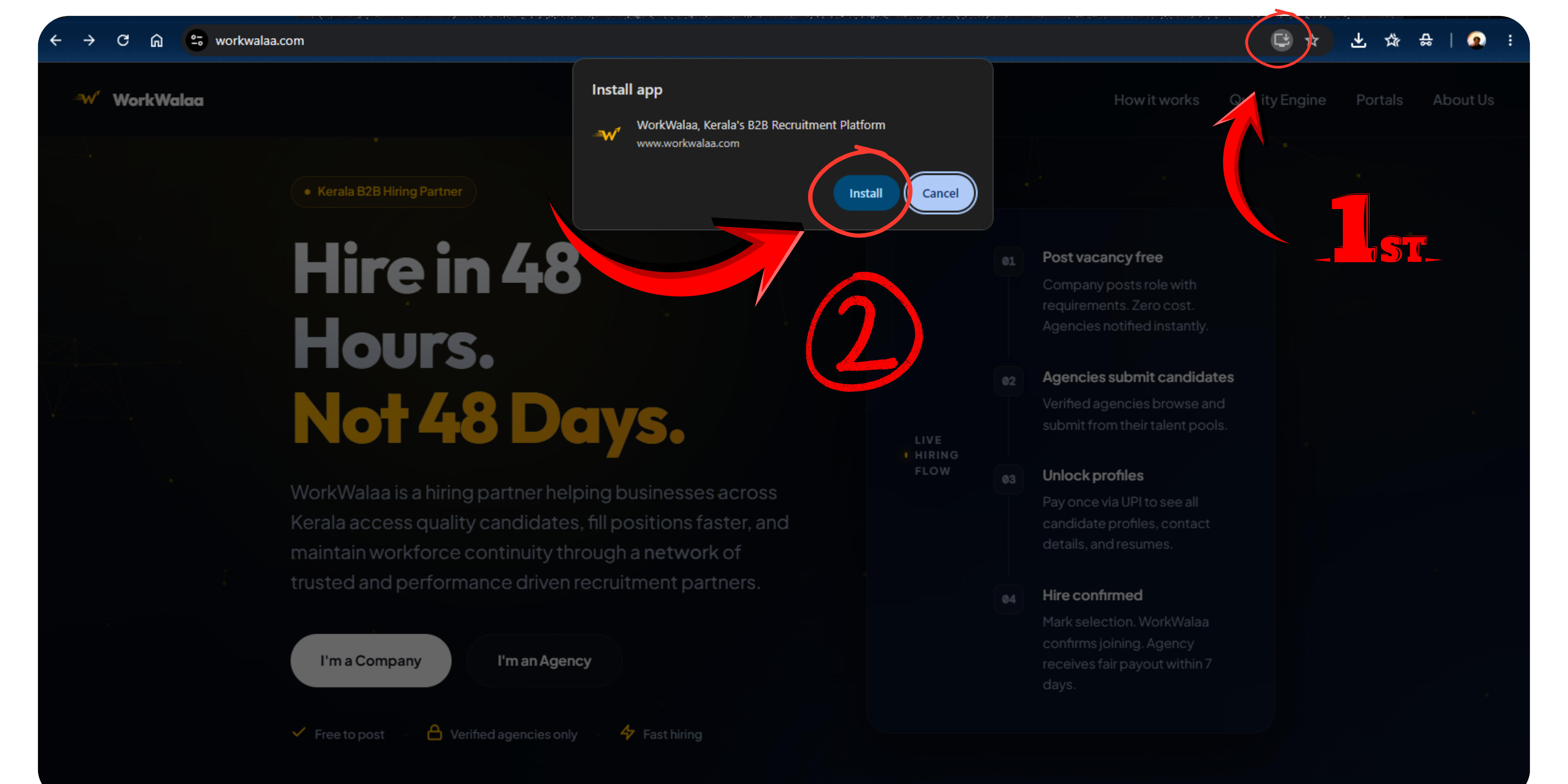
Click the install icon, then Install
Chrome shows an install icon at the right edge of the address bar. Click it, then click Install to open WorkWalaa as a desktop app without a browser.Click the install icon, then Install
Troubleshooting
I do not see the install icon in Chrome+
Wait a few seconds after the page loads. If it still does not appear, click the three-dot menu in Chrome and look for "Install WorkWalaa".
Need more help? WhatsApp us at +91 81568 01024 · Mon to Sat, 10 AM to 7 PM IST.